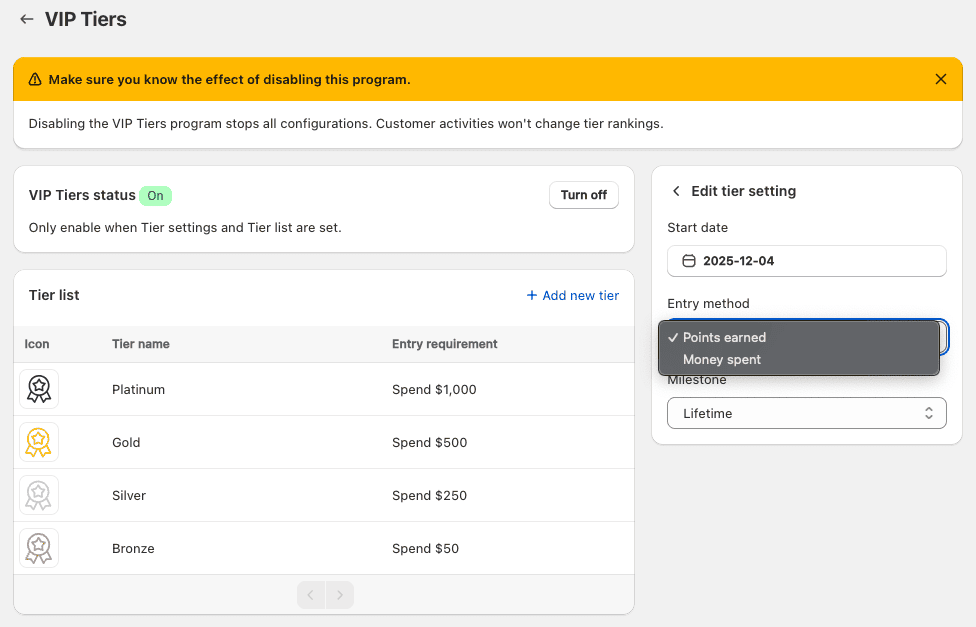
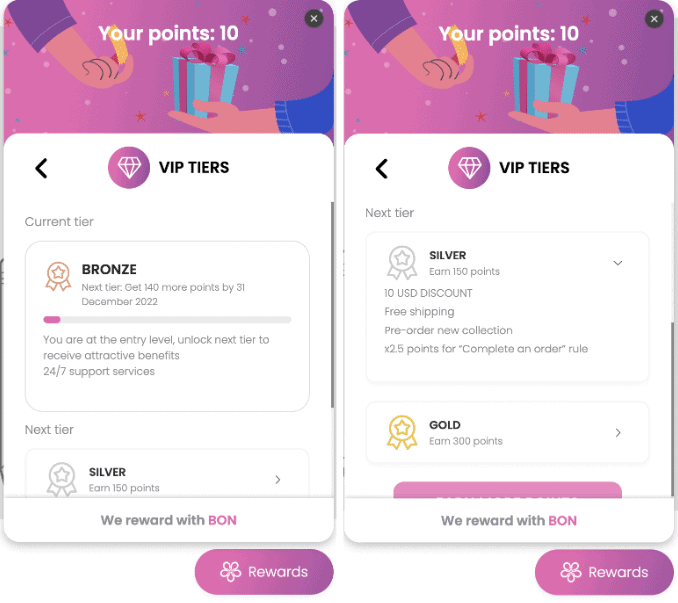
VIPプログラムの設定を始めるには、まず参加方法と期間の2つの基本設定から始めましょう。
A. 参加方法
1. Points Earned:
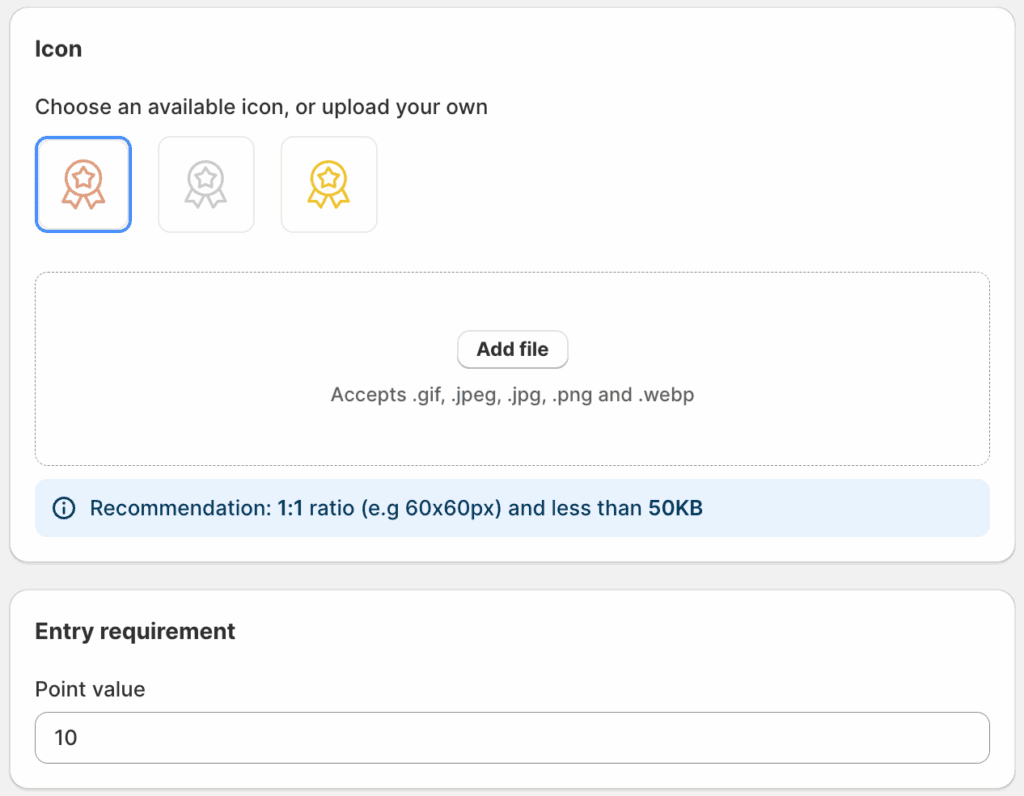
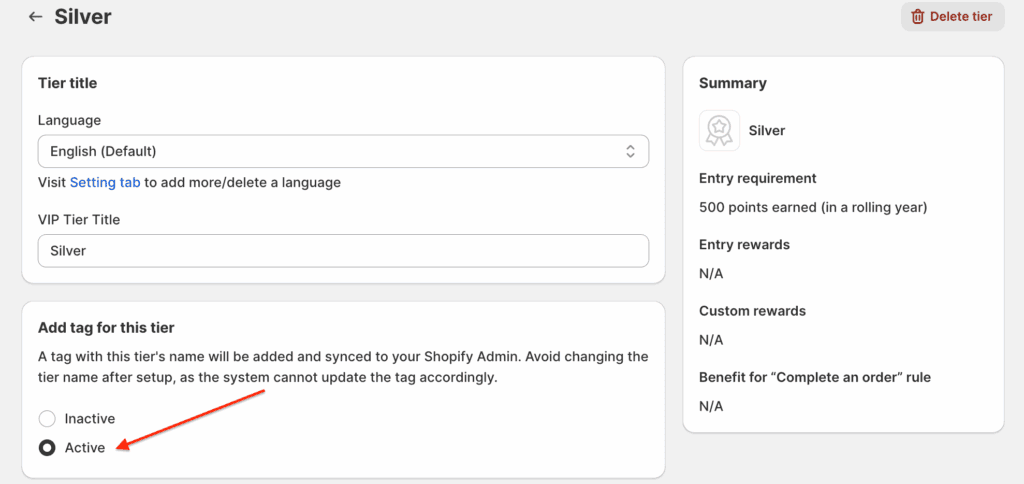
顧客は、累積獲得ポイントを使用してVIPランクプログラムに参加します。累積ポイントが参加条件以上になると、そのランクに到達できます。
重要な注意点::
- Points earned from the Happy Birthday action are not counted toward a customer’s Tier evaluation. Since these points are received passively each year, they don’t accurately reflect the customer’s actual engagement. This approach helps ensure fairness for both merchants and customers.
- Points that are manually adjusted, imported, or earned through an LTO benefit are also not counted toward the VIP Tier.
- When a customer uses points to redeem rewards, only their current point balance is deducted. Their points earned for tier progress remain unchanged, and their tier will not be downgraded due to redemption.
2. Money Spent:
- 顧客は、累計購入金額を基にVIPランクプログラムに参加します。累計購入額が参加条件以上になると、そのランクに到達できます。
- 通貨は、加盟店のデフォルト通貨に基づいて自動判別されます。
- 顧客の購入金額は、注文が発送完了した時点でランク進捗に反映されます。
注記:顧客が特定のランクに到達した後に注文をキャンセルまたは返品した場合、更新されたポイント数や購入金額に応じた直近のランクに移動します。これにより、ランクステータスが現在の正確な進捗を反映するようになります。
B. Milestone (Duration)
加盟店は次のいずれかを選択できます:
1. Lifetime: Customers keep their tier status permanently.
2. Rolling year: Customers’ tier status lasts 365 days from their latest Tier upgrade. Each Tier upgrade renews the 365-day period. You can choose different methods of maintenance for the customers’ tier after a rolling year.
a. No tier maintenance
By the end of the 365-day cycle, if they don’t upgrade within this period, their tier status will be reset to the lowest tier.
例:
- Single-tier upgrade: A customer upgrades to Silver Tier on Jan 1, 2024. If they don’t upgrade to a higher tier within 365 days, they are downgraded to the lowest tier on Dec 31, 2024.
- Multiple-tier upgrades: A customer upgrades to Silver Tier on Jan 1, 2024, then reaches Gold Tier on June 1, 2024. Their Gold Tier status is extended until June 1, 2025.
注記: 365日経過後にランクの再設定(リセット)が行われると、すべての顧客は一度「最も低いランク」に配置されます。もし、この最小ランクの参加条件が0より大きく設定されており、顧客がその基準となるポイントや購入金額を満たしていない場合、その顧客のランクは「なし(None)」と表示されます。
b. Auto tier maintenance
Customers will be re-assigned to a tier based on their actual progress recorded at the end of the cycle (calculated via total spending or total points earned).
例: Let’s say Bronze = $50, Silver = $250, Gold = $500, Platinum = $1000.
Alex spends $600 on Jan 1, 2024 and upgrads to the Gold tier. After a rolling year period with Gold tier (Jan 1 – December 31, 2024):
- If Alex does not manage to upgrade to Platinum tier but his accumulated progress meets the entry requirement for Gold (he spends another $500 by December 31, 2024), he can maintain the Gold tier for another 365 days (Jan 1, 2025 – Dec 31, 2025).
- If Alex neither upgrades to Platinum tier nor spends enough $500 by Dec 31, 2024, he will be placed into the appropriate tier for which his progress meets the entry requirements -> If he just spends another $300 by Dec 31, 2024, he will be downgraded to Silver on Jan 1, 2025.
c. Manual tier maintenance
With manual maintenance, you can configure the required amount of points/spending in order to extend the customer’s tier status.
By default, this will be equal to the entry requirement of that tier, but you can change it to another based on your preference.
例: Gold tier = $500. But you set the tier maintenance = $400. This means once the customer gets into Gold, they just need to spend an additional $400 within the next 365 days to remain in the Gold tier.